Video tutorial
Quick start
Install Nexor on Windows and open it from Start. Microsoft Edge WebView2 Runtime is required.
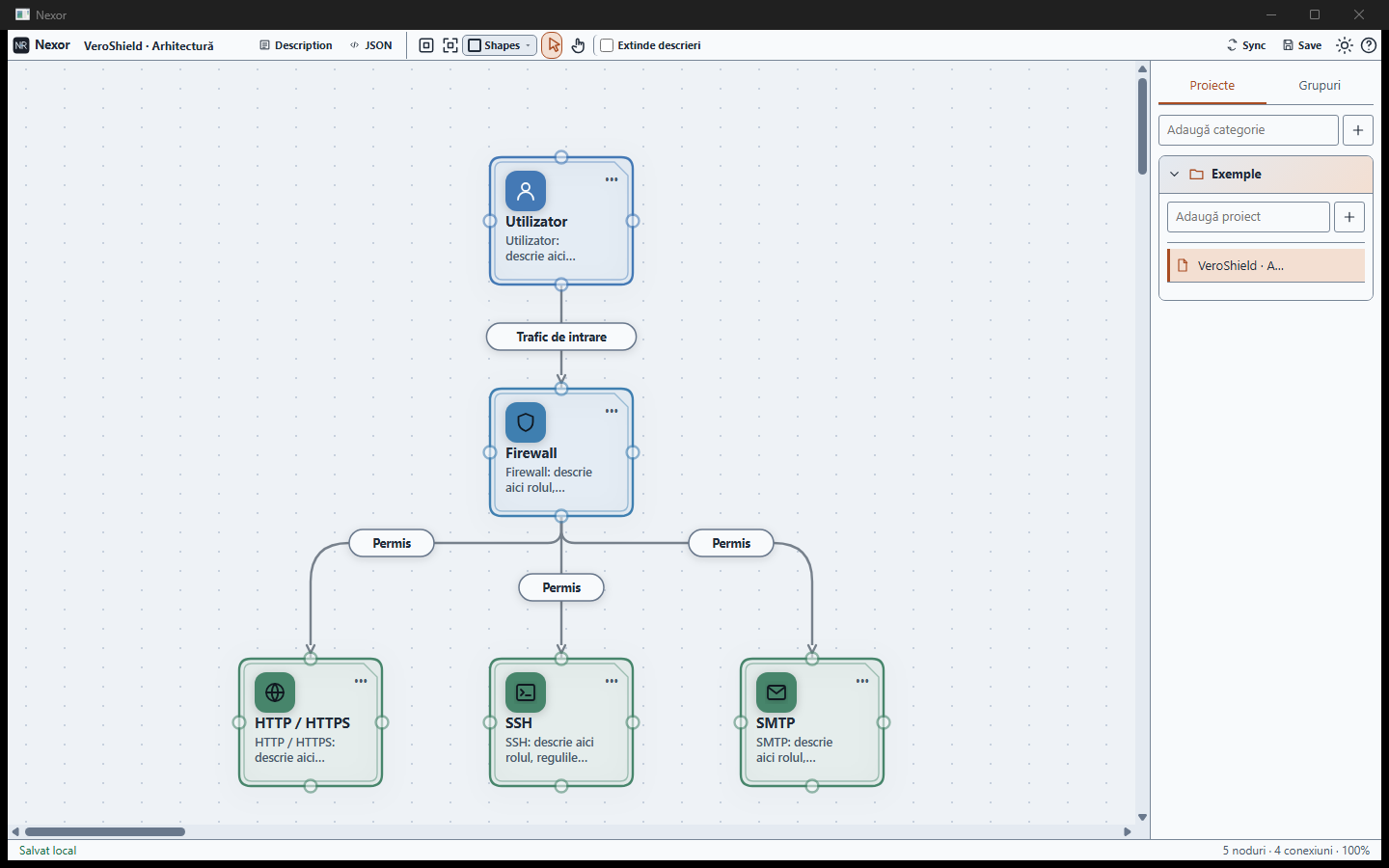
Open the example map or create a new project. Add a node from Shapes and connect it to a second node by dragging between ports.
Save the project and use JSON to export a copy. You can import that copy into a different Nexor library.