Video tutorial
Quick start
Download and run the Windows installer. The installer is unsigned.
Enable the Google Drive API in your Google Cloud project. Configure the consent screen, create a Desktop app OAuth client and download its JSON file.
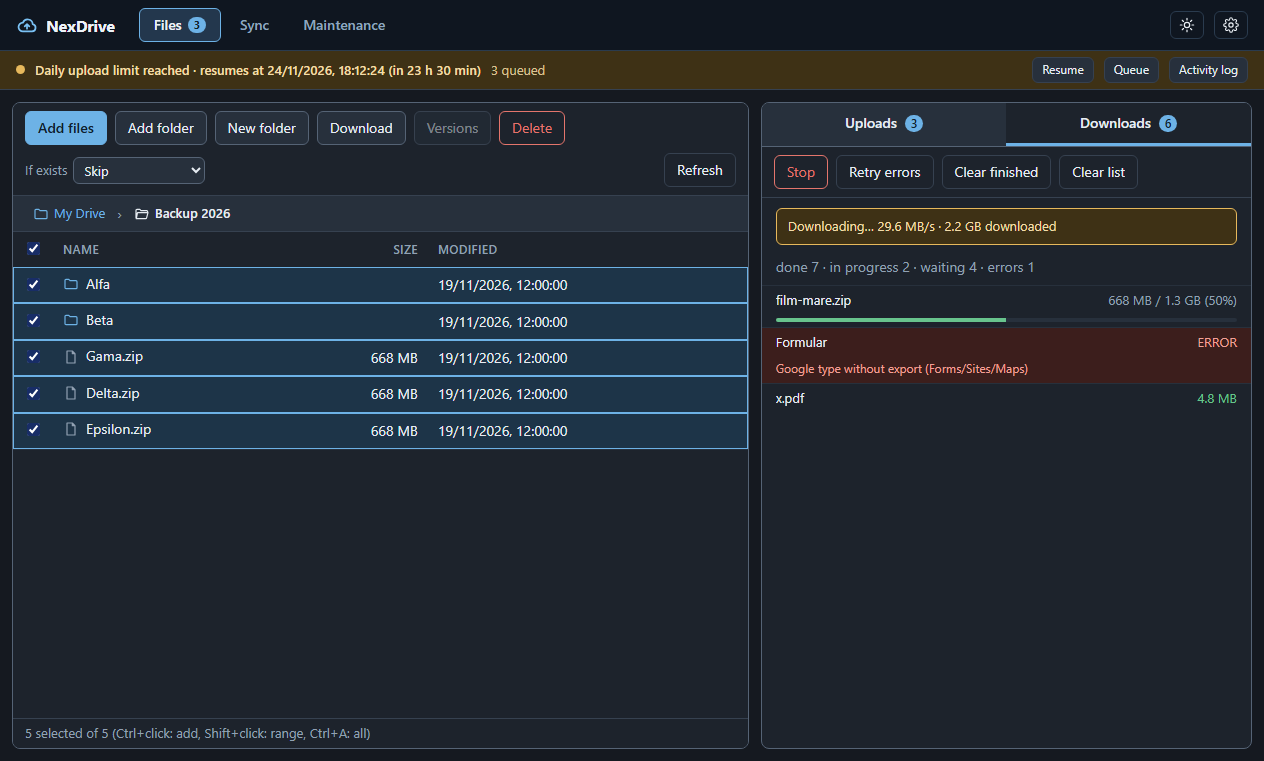
Open NexDrive, import the OAuth client file and sign in with Google. Use Files to select a folder and queue a small transfer.
Use Sync to set a recurring folder job. Review the selected folders and deletion policy before you run it.