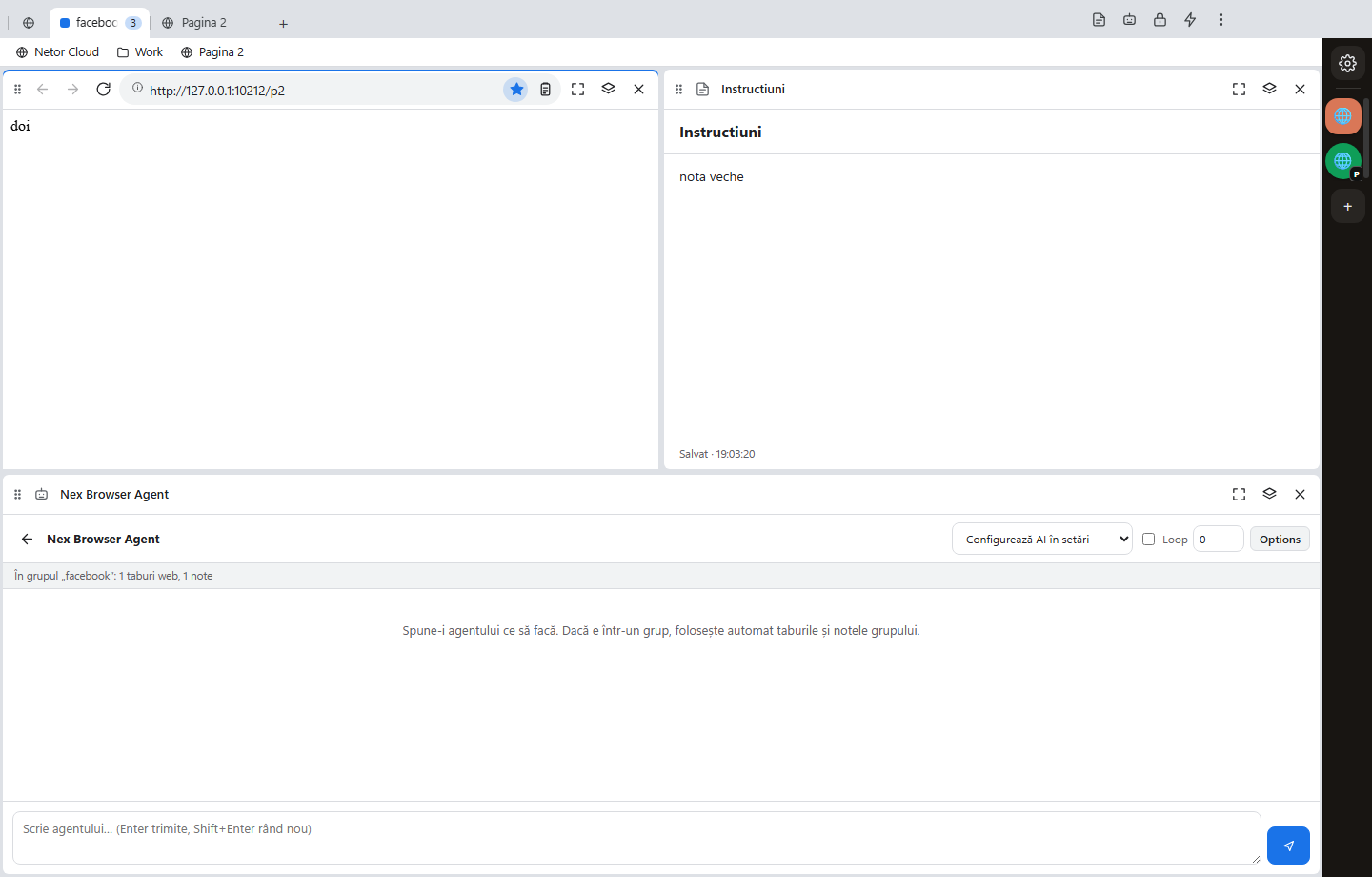
Windows Chromium browser with separate profiles, tab groups and a local vault.
Download and install Netor. The Windows installer is unsigned.
Create a profile in the profile bar. Use a different profile for a separate browser session.
Group related tabs to work with pages and notes side by side. Set a PIN to use the local vault.