Video tutorial
Quick start
Install Battle Worlds on Windows and open it from Start. The unsigned installer requires an OpenGL 3.3-capable graphics driver.
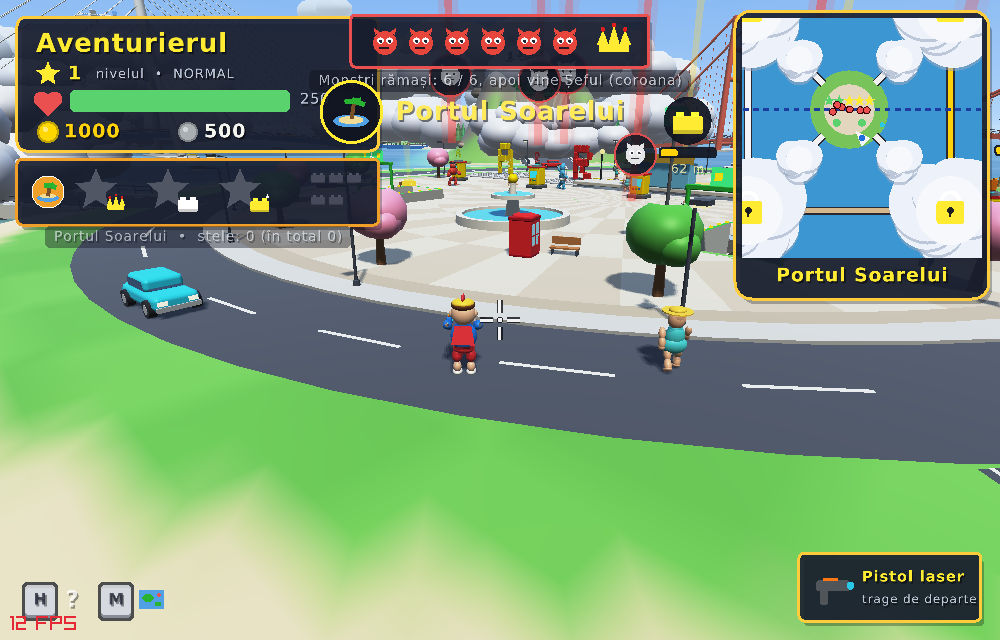
Create a local player and start the first island. Move with WASD, look with the mouse and jump with Space.
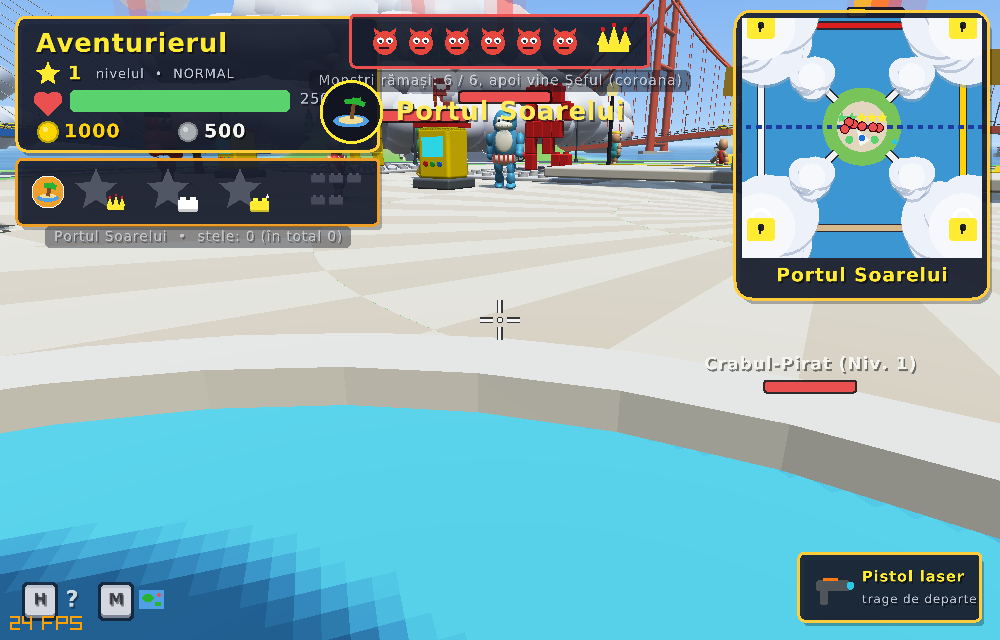
Use the map to explore the island and follow the on-screen objectives. Open the pause menu with Esc.
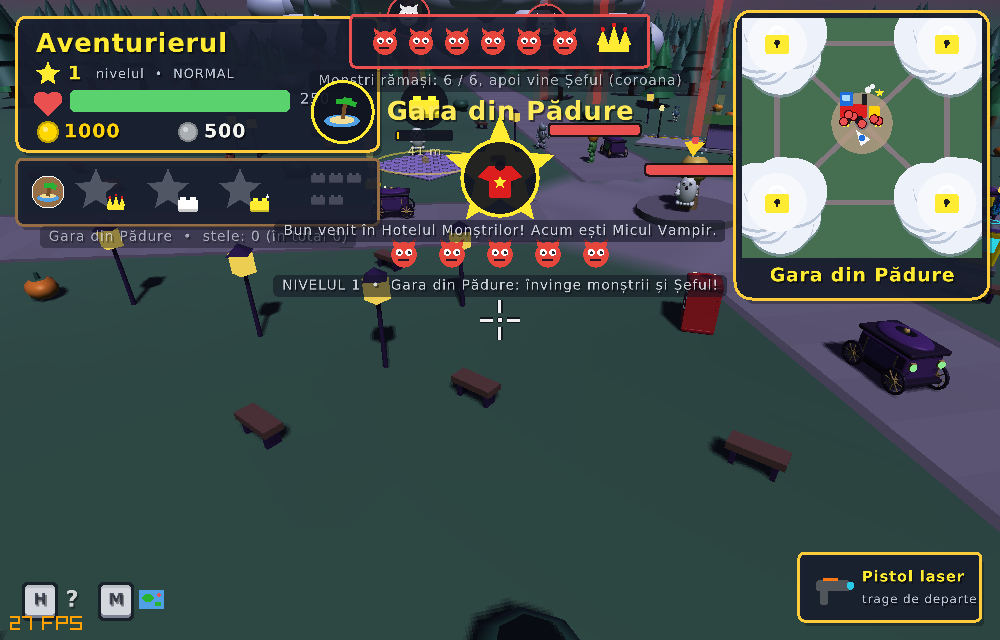
Complete islands to unlock new worlds. When the train arrives, board it from the station.