Video tutorial
Quick start
Download archivatore-install.exe from Releases and run it on Windows x64. The installer is unsigned.
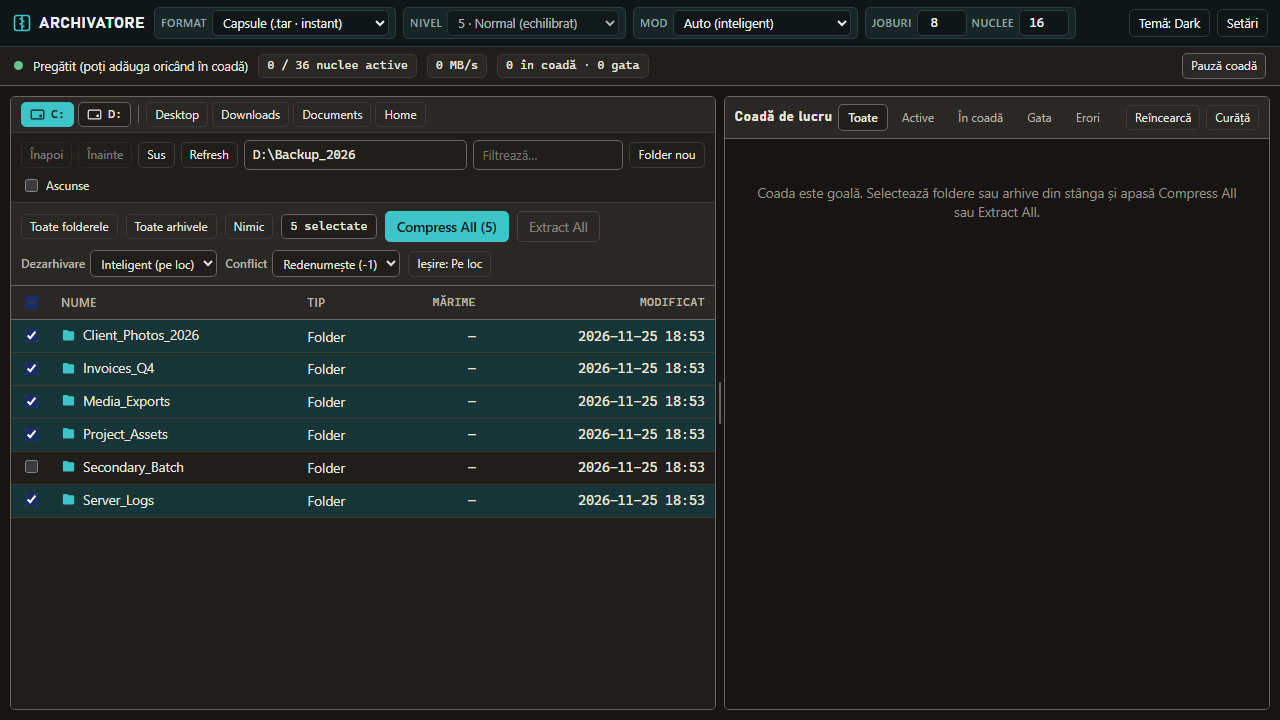
Browse drives and folders in the commander pane and check the folders you want to package, or use All folders.
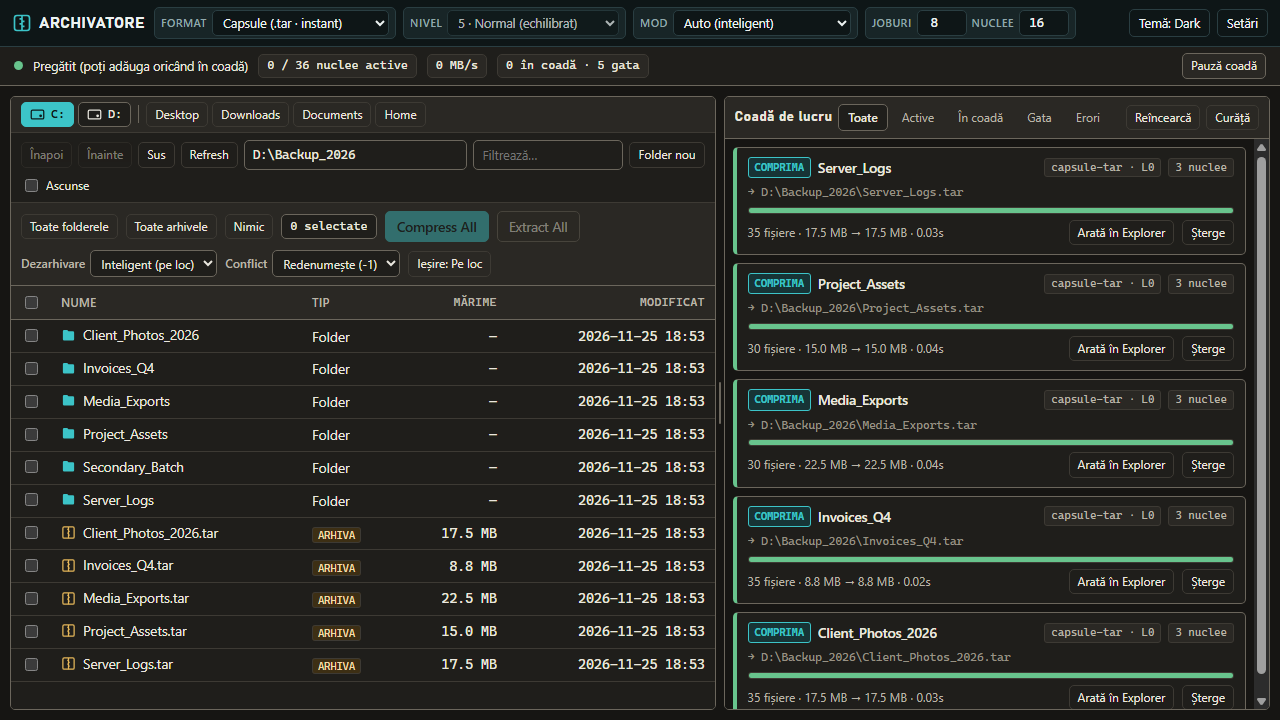
Pick a format — Capsule (.tar, instant 0% store for fast Google Drive uploads), .tar.zst, .zip, .7z, .rar (with WinRAR), .tar.gz, .gz, .tar.xz or .tar.bz2 — along with compression level, Auto/Parallel/Sequential mode, parallel jobs and CPU cores.
Click Compress All to create one archive per selected folder and keep browsing to add new batches to the non-blocking queue while jobs run.
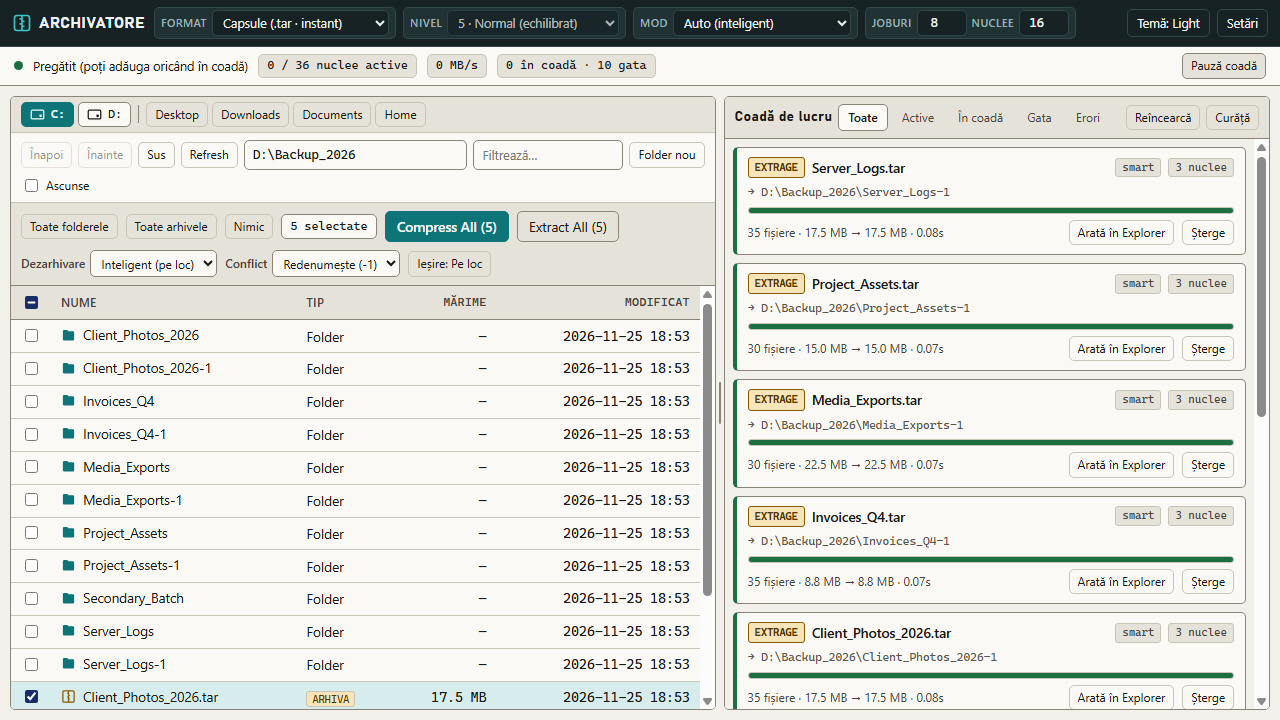
Select one or more archives and click Extract All to unpack in place using Smart root handling and rename, overwrite or skip conflict policies. To build and test from source locally:
cd engine && go test -v ./...
cd ..\app && npm install && npm test && npm run dist